Digital guest book: what it is, how it works and how much it costs
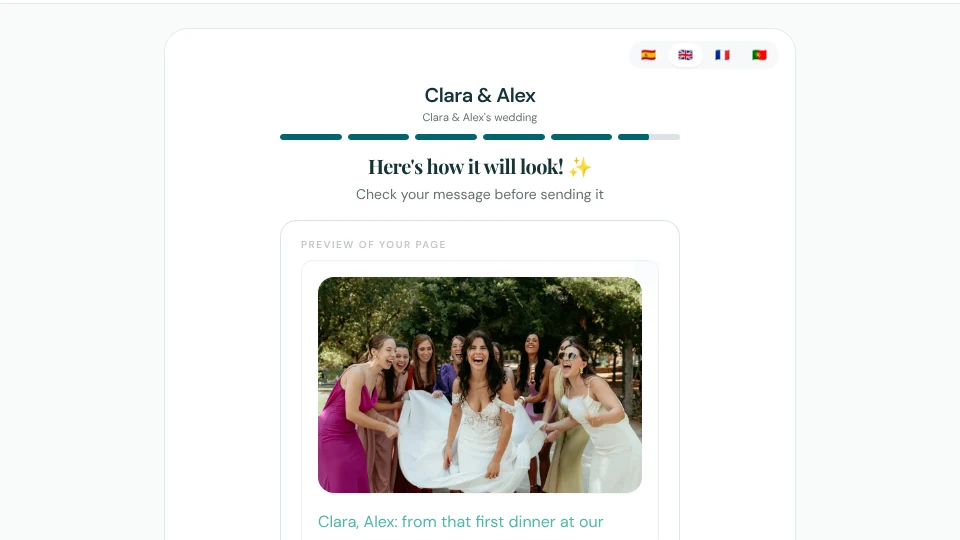
A digital guest book is one of those ideas that seems small until you see everything it holds. A line from your mom. A photo of your friends at cocktail hour. A voice note from someone who lives far away. A message written the next day, once the emotion has settled a little.
The essence hasn't changed: collecting kind words from the people who came to celebrate with you. What changes is the format. Instead of relying on a notebook that sits on one table, guests sign from their phones through a QR code or a link.
At a wedding, a First Communion, a birthday or a retirement party, that makes a real difference: more people take part, fewer messages get lost and the memories end up organized in one online book.
What exactly is a digital guest book?
It's an online space, reachable only through its link or QR code, where your guests can leave messages, photos and, if you turn the option on, voice notes. You create the event, share a QR code or a link, and each person signs from their phone's browser.
No app to download. No guest account to create. No need to walk Grandma through five steps in the middle of lunch. The experience should be simple: scan, write, send.
Afterwards, every message is gathered so you can read them at your own pace, download them if your plan includes it or keep them as an online book.
For a visual walk-through, visit how EventGuestBook works.
How it works, step by step
The process is fairly direct:
- You create your event. Add the name, the date and the main details.
- You get a link and a QR code. That code is your guests' way in.
- You share it before or during the celebration. Print it, put it on the tables or send the link ahead of time.
- Guests sign from their phones. They write their message and can add a photo and, if you turn it on, a voice note.
- You receive everything in one online book. The memories stay together and in order.
- If you like, you show it live. Messages can appear on a live wall on a TV or projector.
The important part isn't the technology. It's that the friction disappears. Nobody has to hunt for the pen, wait their turn or write something beautiful under pressure while three people watch.
How much does a digital guest book cost?
It depends on the service and on what you need. With EventGuestBook you can start with a free Demo, no card required, and try the whole flow with up to 5 messages. For a real event with more participation, Pro (€49.95) unlocks unlimited messages and photos, the PDF book, the photos as a ZIP file and the online book. Premium (€99.95) adds more co-hosts, an editable PowerPoint file you can also import into Canva, page reordering and the option to remove the watermark. Each plan is a single payment per event, not a subscription.
Before you decide, check the plans and pricing page, which always has the current details.
The right question isn't only "how much does it cost?" It's what you want to have afterwards. A beautiful paper book can cost about the same or more, and if it ends up half empty, that stings a little. The digital version tends to get more participation because it lives where your guests already are: on their phones.
What events is it for?
Many couples discover it while looking for a wedding solution, but a digital guest book fits a lot of celebrations.
- Weddings. Messages from family, friends, coworkers and people who couldn't attend.
- First Communions. Notes for the child to reread when they're older.
- Baptisms. Wishes from family, godparents and friends in a keepsake that's easy to preserve.
- Milestone birthdays. A 40th, a 50th or a surprise party gains a lot from messages collected in advance.
- Retirements and tributes. Colleagues from different stages of a career can leave words of thanks.
- Corporate events. Messages from attendees, photos and participation on screen.
If your celebration doesn't fit a classic category, start from a digital guest book for events and adapt it to your case.
Digital or paper: which is better?
The paper book has charm. The handwriting, the paper, the decorated table, an object you can keep. No need to take that away from it.
The problem is practical: often, not everyone signs. The book sits in a corner, people get distracted, someone doesn't know what to write, and guests who live far away simply can't take part.
Digital solves that part:
- It can be shared as a link before and after.
- It doesn't depend on a single table.
- It takes photos and voice notes.
- It includes people who can't attend.
- It can be shown on screen.
- You can read it without deciphering impossible handwriting.
In many cases, the nicest answer is to combine them. A physical table for anyone who wants to write by hand, and a QR code to collect more memories. If that mix appeals to you, the guide to a QR code wedding guest book has practical ideas.
How to get guests to take part
Creating the book is easy. Getting people to sign takes a little care.
Put the QR code where your guests already pause: the entrance, the seating chart, the tables, the photo backdrop, the bar or the coffee station. Add a clear line. "Leave us a memory" works better than a long paragraph.
It also helps to share the link in advance. Someone writing from home, with time, usually leaves a more personal message than someone trying to think between the music, the greetings and the plates arriving.
And break the ice early. Ask two or three people close to you to sign before the event. When others see messages already there, they're far more likely to join in. There's a full playbook in how to get guests to sign your guest book.
What guests can leave
Most people think of text, but the value of the digital format is in the mix.
Guests can leave:
- A short message.
- A specific memory.
- A photo from the day.
- A voice note with their congratulations.
- A message from a whole group.
- A line to be read in the future.
- A contribution from far away.
Not every message has to be perfect. The best-remembered ones are usually the most real: the cousin writing from the airport, the friend who sends a blurry photo from the dance floor, the grandfather who dictates his message to someone because he'd rather talk.
Showing the book during the event
The live wall is a special feature. Messages can be shown on screen during cocktail hour, dinner or the party. It doesn't replace the speeches. It accompanies them.
Seeing a message on screen reminds other guests that they can take part. And it creates small but powerful moments: a line from someone who couldn't come, a funny photo from one of the tables, a note from the family.
If that interests you, read the guide to a live wedding message wall.
Frequently asked questions
What is a digital guest book?
It's an online book where guests leave messages, photos or voice notes from their phones through a QR code or a link.
Do guests need to download an app?
No. They open it in their phone's browser, with no app and no account.
How much does it cost?
You can start with a free Demo and see the current options on the pricing page.
Does it work for weddings and other events?
Yes. It works for weddings, First Communions, baptisms, birthdays, retirements, tributes and corporate events.
Can I share it as a link?
Yes. The link can be sent before, during or after the event to collect more messages.
Can guests add photos and voice notes?
Yes. Guests can add a photo to their message (up to 4 on Premium) and, if you turn voice notes on, a voice note.
Does it replace the paper book?
It can replace it or complement it. Many celebrations use paper and a QR code together.
Can I try it first?
Yes. You can create a free Demo to see whether it fits your event.
Create your digital guest book
If you want to keep more than photos, create a place where your guests can write calmly, from their phones and without complications.
Compare the EventGuestBook plans or start right away with a free Demo. What matters is that, once the event is over, you have a keepsake that still says something.
Related articles

How to print your digital guest book: from PDF to paper, step by step
You have the PDF of the book and you want it on paper. Page size, what to ask the print shop, what to check before printing and how to edit the book first if you need to.
6 min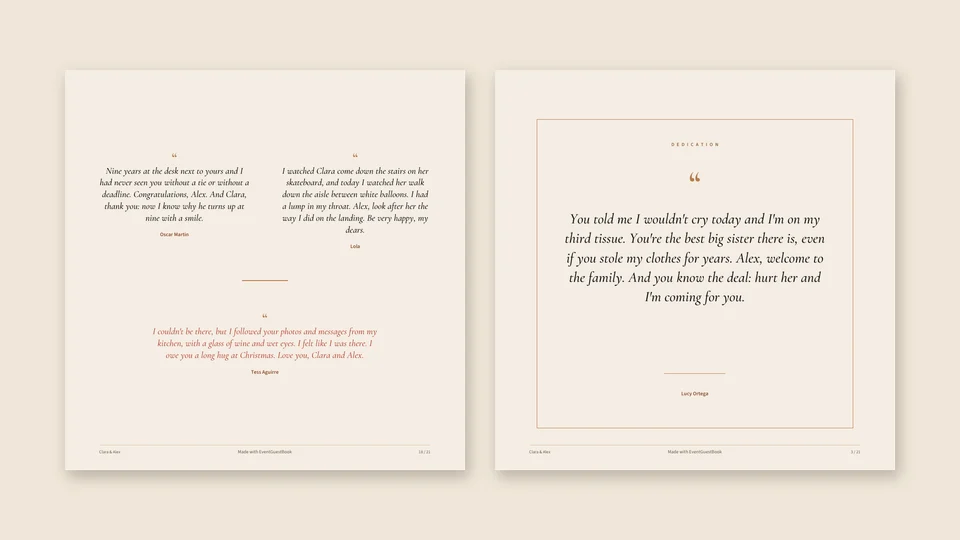
Guest book in Canva or PowerPoint: how to edit your EventGuestBook file
The editable PPTX is a Premium feature and it is not a native Canva project. How to download it, open it in PowerPoint or import it into Canva, and what may change.
7 min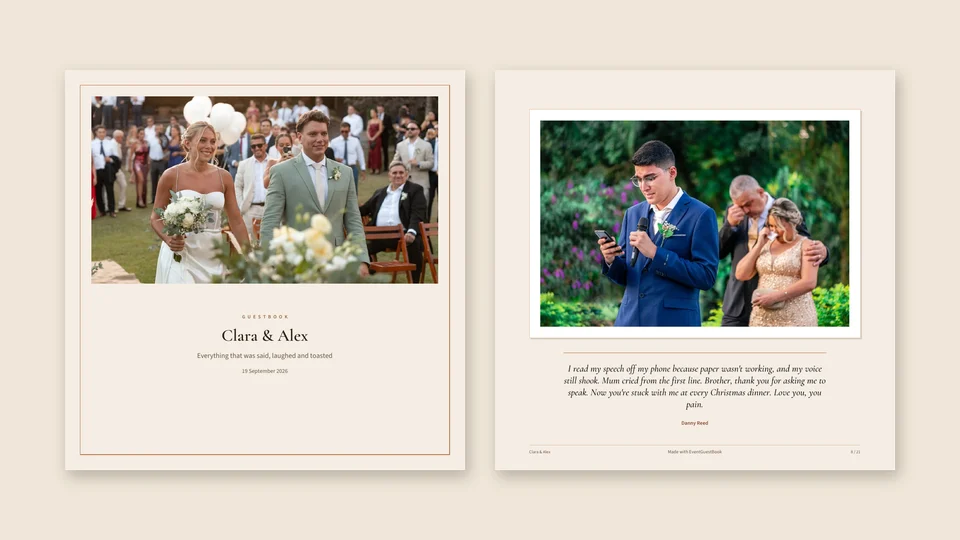
Free digital guest book: what it includes and when Pro is worth it
The free plan is a real trial, but it has a clear cap. What Demo includes, what changes with Pro and how to decide before you hand out the QR code.
6 min