
Demo
Free
Free · No card needed
Try it with up to 5 messages, no card needed.
- Up to 5 messages per event
- Up to 5 photos of your own in the gallery
- Photos, voice notes and messages from your guests
- Live wall for a TV or projector
Digital wedding guest book
Everything your guests would tell you, in one book.
Put a QR code on the tables and every guest leaves you a message and a photo from their phone, with nothing to install. At the end you have a book with your whole wedding told by them. It takes two minutes to set up and nothing to try.
Free for up to 5 messages · Pro €49.95 · Premium €99.95 · one-time payment
Photos from real weddings (Pexels); the example book uses made-up names.
It sits on a table, gets a signature between courses, and by the middle of the night nobody remembers it is there.
Every guest takes dozens of pictures you will never see, unless someone starts a shared album that nobody fills in.
A reception has room for a few speeches and a hundred things to say. The guests without a turn keep their words to themselves.
Digital book
This is the digital book of “Clara & Alex”, the same one you get with your event: a cover, every message with its photos and a closing page. It opens on any phone with nothing to download, and you share it with a link.
Example with made-up content · 21 pages, also as a PDF to print or keep
Full example
We put together Clara and Alex’s wedding, an example with made-up names: 24 messages from family, friends and colleagues, photos from the party and the PDF book exactly as EventGuestBook generates it.
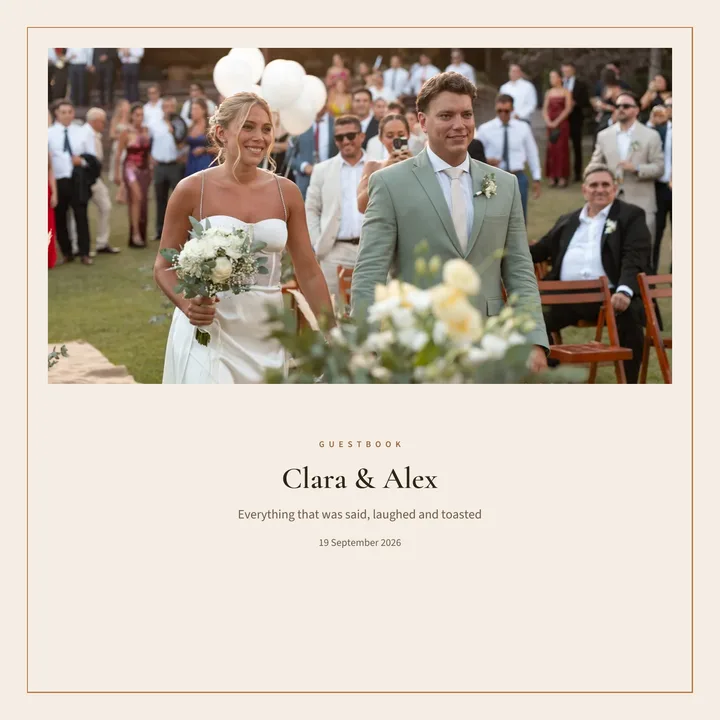
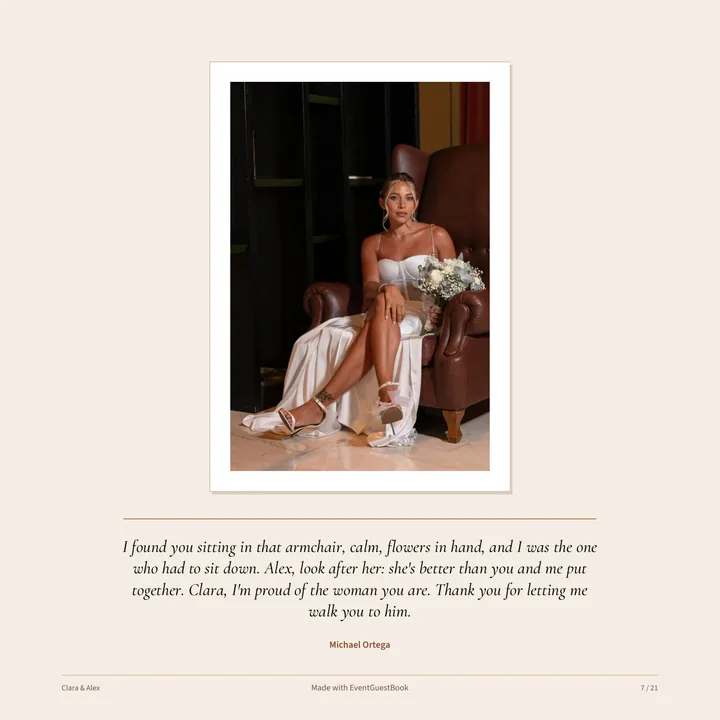
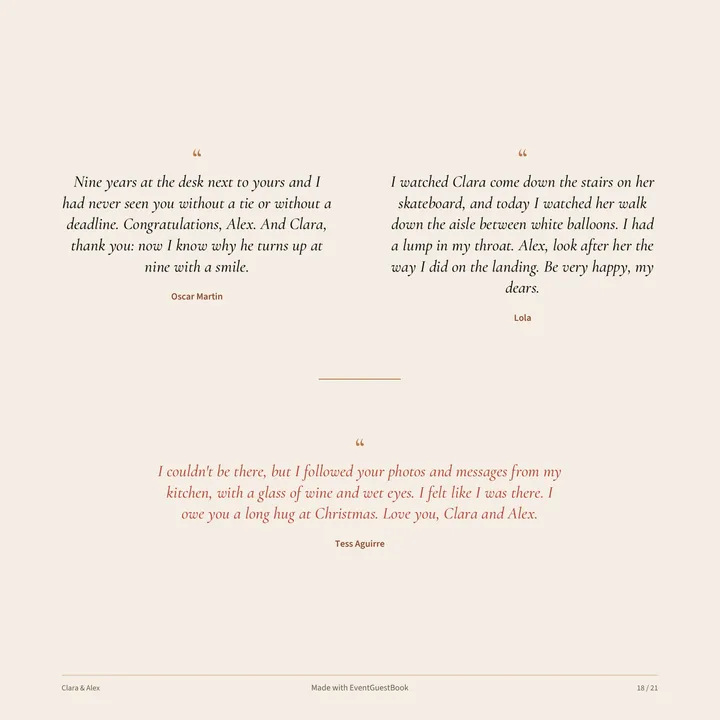
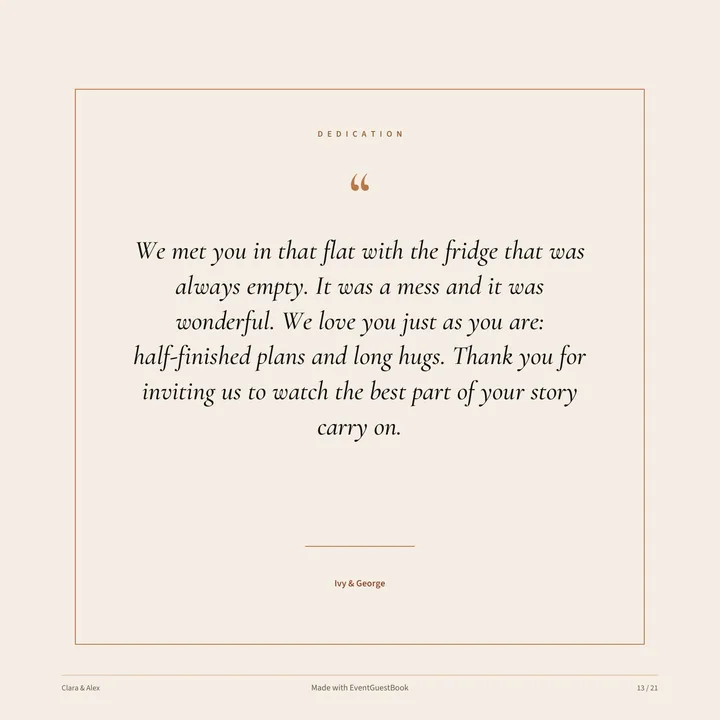
The photos are from real weddings (Pexels); the names and messages are examples.
Add your names and the wedding date. You get a link and a QR code ready to print.
On the welcome sign, the seating chart or each table. Guests scan it with their camera, write and, if they like, add a photo. Nothing to install.
Show the messages on a screen during dinner, then download the PDF book with everything your guests sent.
Nobody gets left out. Send the same link by text or email to anyone who could not come, and they write from home.
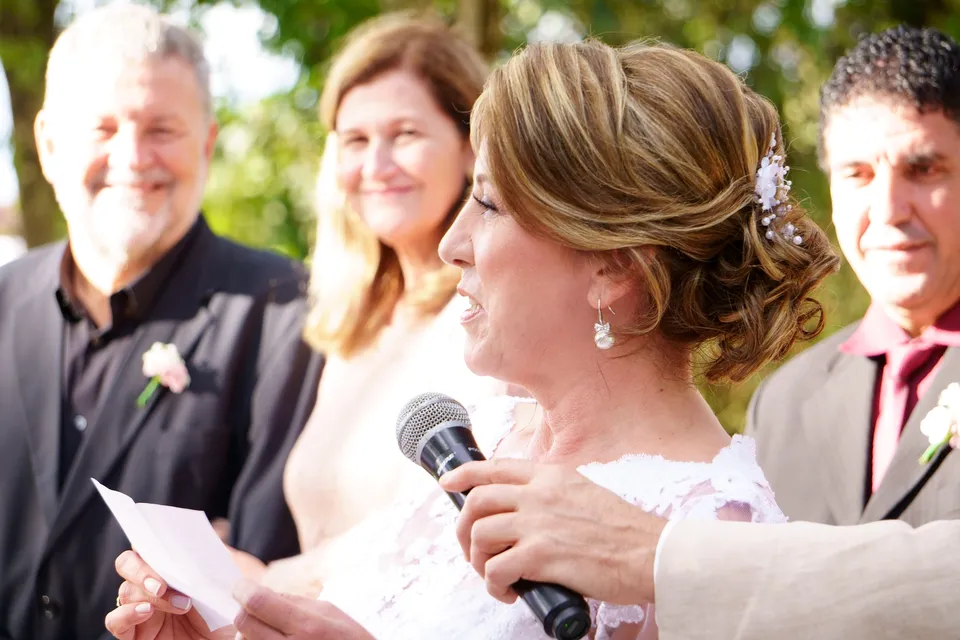
Everyone can take part
A wedding has room for a few speeches and a hundred things to say. With a QR code, each guest says their piece when they feel like it, without waiting for a turn.
Each photo is saved next to its message, with the name of whoever sent it.
At the reception
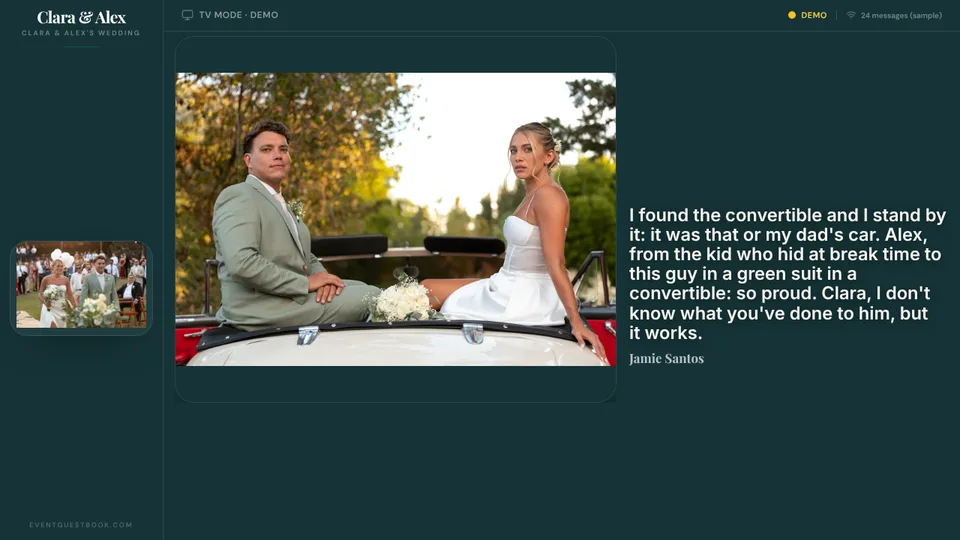
With the live wall, messages and photos appear one after another on a TV, a projector or a laptop. You can hide any message from your phone. It is included in every plan.
See the wedding wall (live example, opens in a new tab)Best on a computer, a TV or a phone held sideways.
Not a notebook that ends up on a shelf: a keepsake you can read again whenever you like.
Every message and photo typeset, ready to print or bind.
Everything your guests uploaded, to download in one go for 90 days.
A digital book to reread, and for the family who could not be there.
The messages on screen while everyone eats.
The digital book opens and can be shared on every plan (complete on Pro and Premium). The PDF book and the photo download come with Pro and Premium. The live wall is in every plan.
| What you get | EventGuestBook | Paper or chat |
|---|---|---|
| Guests who could not come can sign too | ||
| Every photo next to its message | ||
| Nothing gets buried under other messages | ||
| A book to print and keep |
Pricing
Free
Free · No card needed
Try it with up to 5 messages, no card needed.
Recommended
€49.95
One-time payment per event · No subscription
Everything you need to collect and keep every message.
The PDF carries a discreet “Made with EventGuestBook” watermark.
Choose Pro€99.95
One-time payment per event · No subscription
Everything in Pro, plus videos from your guests, page reordering, a PDF with no watermark and a PPTX for PowerPoint or Canva.
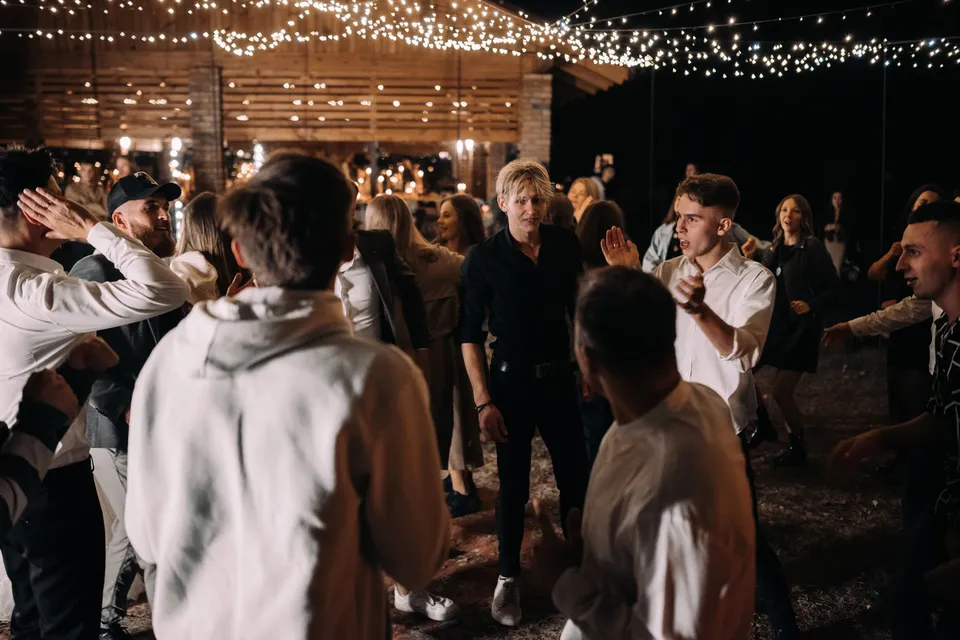
Create the event today, put the QR code on the tables, and you will have a book full of everything that did not fit in a toast.