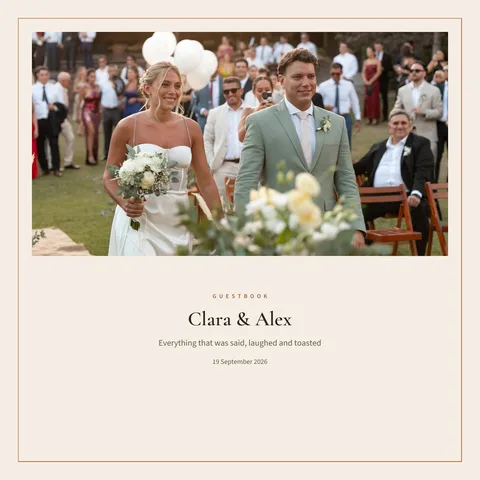
Weddings
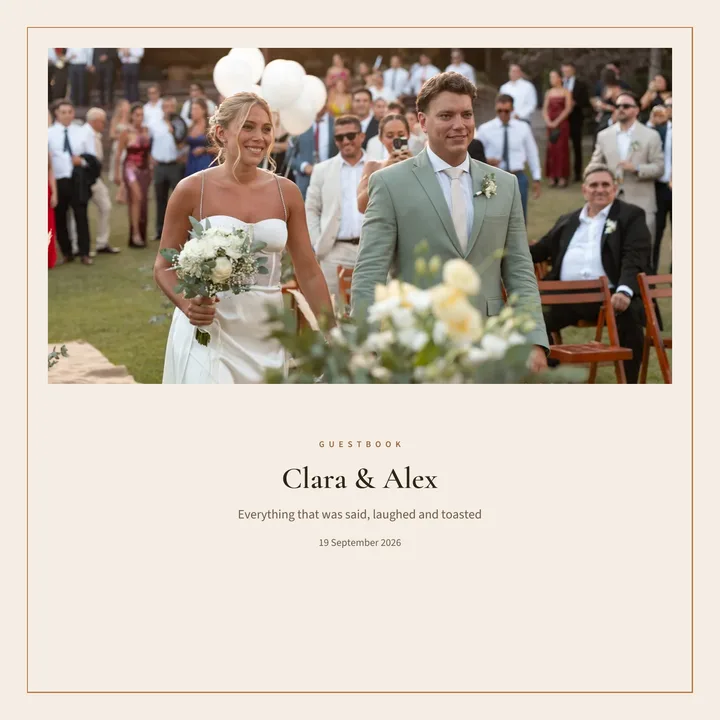
The words and photos of every guest, including the ones that do not fit in a toast.
How it works
Share a link or a QR code and each guest leaves a message, a photo or, if you like, a voice note, with nothing to install and no account to create. You can start weeks before the event: everything ends up in your book.
No card to start · No app for your guests

Scan and leave us a message
Give it a name, add the date and choose a cover. As soon as you create it, you have a link and a QR code ready to share.
No need to wait for the day: you can send it early and start receiving messages and photos right away.

Julia’s 30th
Saturday, October 17
Event createdSend it by text or email, copy the link or download the QR code to print. You can do it days before, during the event or share it again afterward.
Each guest goes straight in from their phone. You do not have to create users or sign anyone up.
Scan it and leave us a message
Try it now with your phone
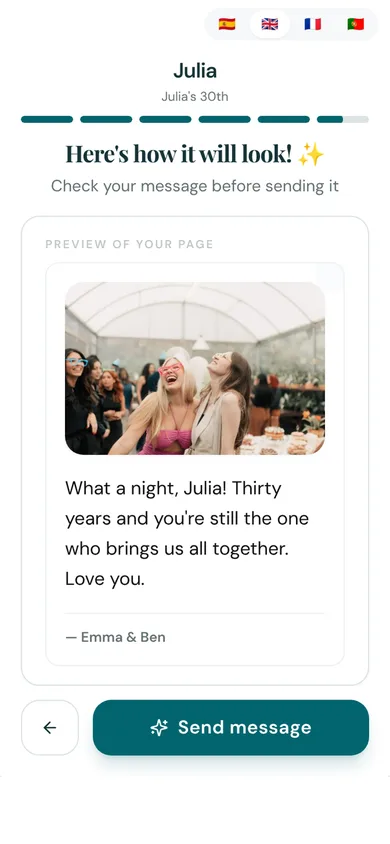
They add their name, write their message and, if they like, a photo. They can also leave a voice note if you turn that option on for your event.
Open it
Write and add a memory
Send
No app to install. No account to create.
Try it as a guest
You, as everything arrives
Messages, photos and voice notes arrive in one place. You decide what is shown, and you can open the book or the wall whenever you like.
Want to see it as a guest?
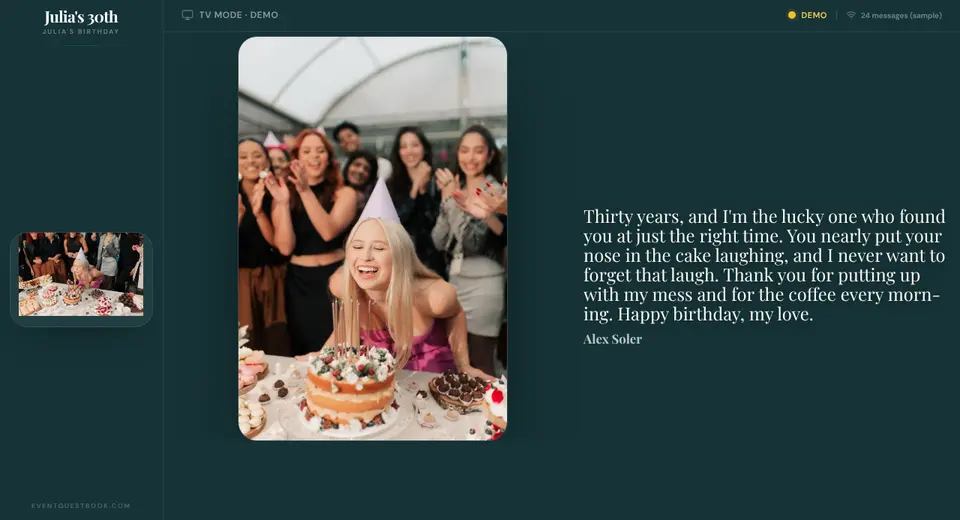
Open the guest demoOpen the live wall on the computer connected to the screen and the messages appear as your guests take part. Messages and photos stop living only on phones and become part of what happens in the room.
The wall is an option, not an obligation. Your guests take part exactly the same way and, after sending their message, they can open the book to see what has been shared.
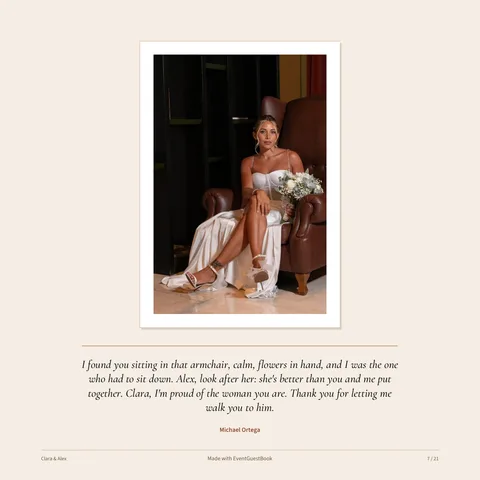
Messages and photos end up together in one book. Share its link so your guests can look at it again whenever they like (complete with Pro) and, with the Pro plan, download it as a PDF, typeset like the one in the picture.
Premium is something else: it adds videos from your guests, page reordering, a PDF without the watermark and an editable PPTX for PowerPoint or Canva.
See what Pro includes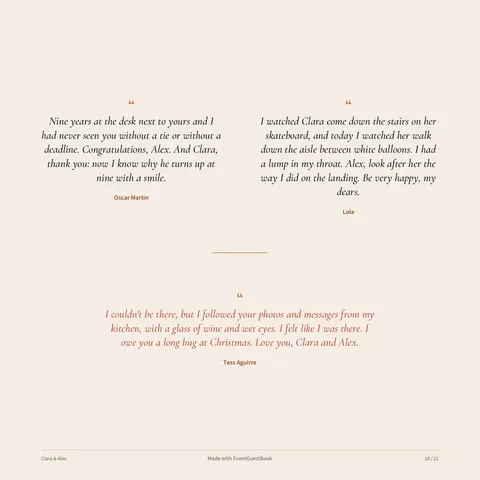
Full examples
Each example is a real book generated by EventGuestBook: cover, messages with photos and its wall. The names and messages are made up; the photos come from licensed image libraries.
The words and photos of every guest, including the ones that do not fit in a toast.
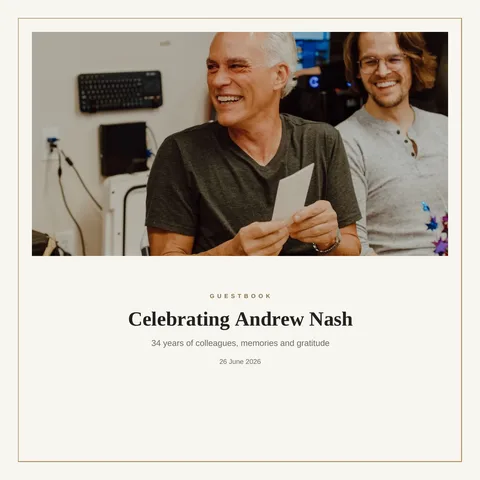
Messages from colleagues past and present, for them to take home.
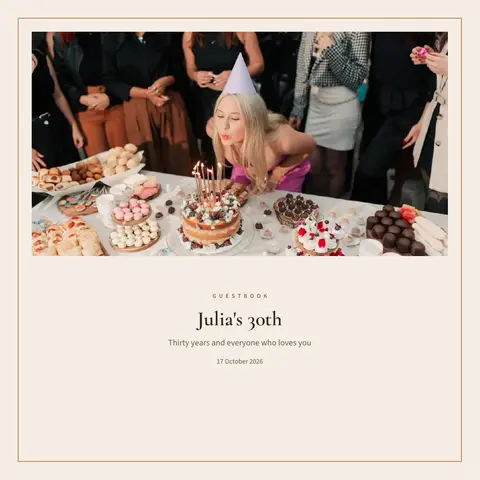
Wishes from people who are not even at the party, gathered in one book.
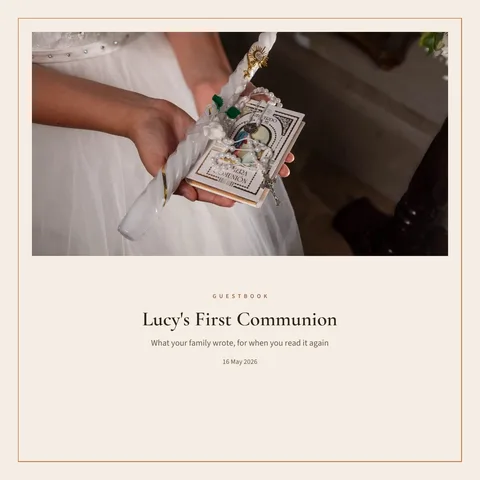
Messages from grandparents, godparents and family to read again as they grow up.
Plans
Demo · Free
Your event starts here, with no card: up to 5 real messages, QR code, live wall and a digital book to browse and share.
Recommended
Pro · €49.95
Complete the book: unlimited messages, the complete digital book, the PDF book, photos in a ZIP and 1 co-host.
Premium · €99.95
Make it more your own: videos from your guests, page reordering, a PDF without the watermark and a PPTX for PowerPoint or Canva. It also includes up to 5 co-hosts and priority support.
Before you start
Whatever you are celebrating

Create your event, share the link and start collecting messages. And afterward, you will always have the digital book.
Try it as a guest · No card to start · No app for your guests