
Demo
Free
Free · No card needed
Try it with up to 5 messages, no card needed.
- Up to 5 messages per event
- Up to 5 photos of your own in the gallery
- Photos, voice notes and messages from your guests
- Live wall for a TV or projector
Digital graduation guest book
The end of a chapter, told by those who lived it.
Classmates, teachers and families leave a message and a photo from their phone by scanning a QR code, with nothing to install. In the end you have a book for the whole class. It takes two minutes to set up and nothing to try.
Free for up to 5 messages · Pro €49.95 · Premium €99.95 · one-time payment
Photos from a real graduation; the example book uses made-up names.
Between group photos, hugs and families moving from table to table, hardly anyone finds the moment to write.
Classmates, teachers and family have a lot to say, and a card only has room for a line.
Friends far away, family who could not travel and old classmates have nowhere to leave a message.
Digital book
This is the digital book of “Iris, Nora & Carly”, the same one you get with your event: a cover, every message with its photos and a closing page. It opens on any phone with nothing to download, and you share it with a link.
Example with made-up content · 15 pages, also as a PDF to print or keep
Full example
We put together the graduation of Iris, Nora and Carly, an example with made-up names: 24 messages from classmates, teachers and families, photos from the day and the PDF book exactly as EventGuestBook generates it.
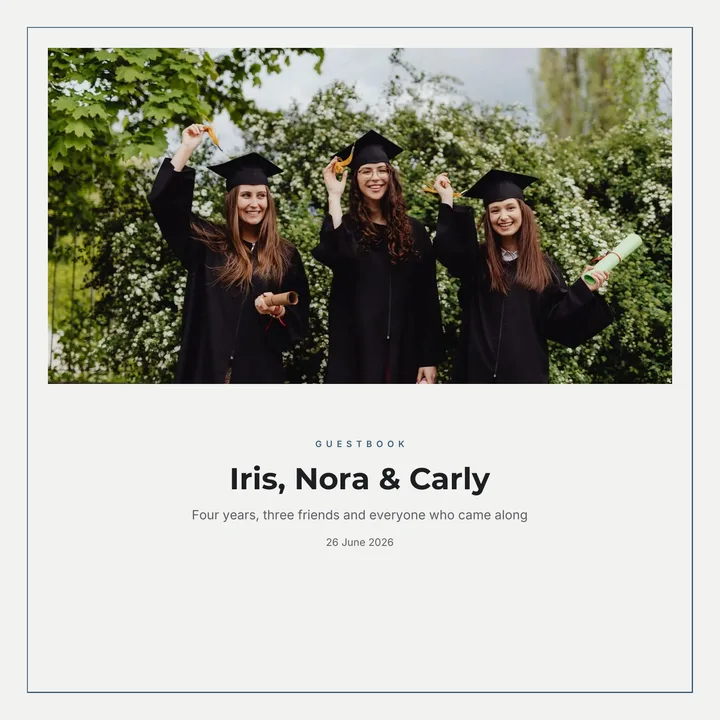
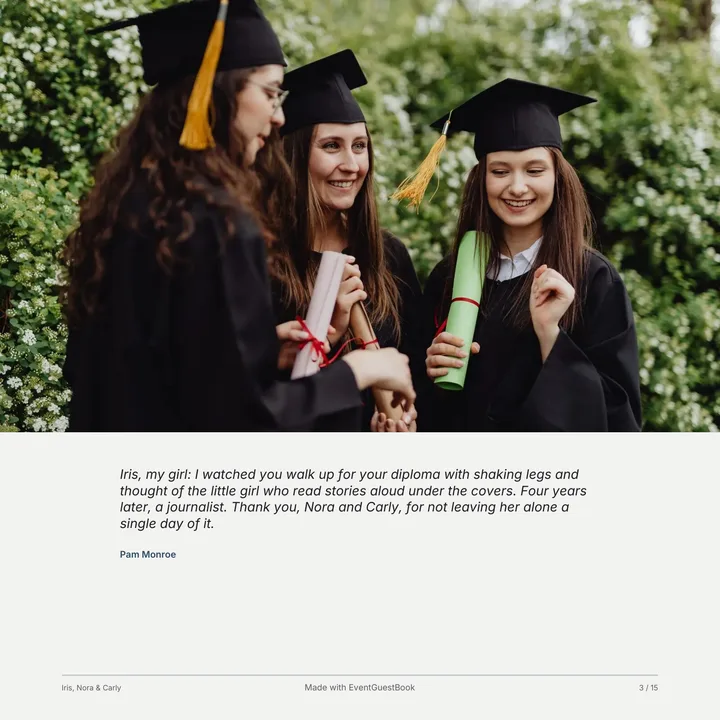
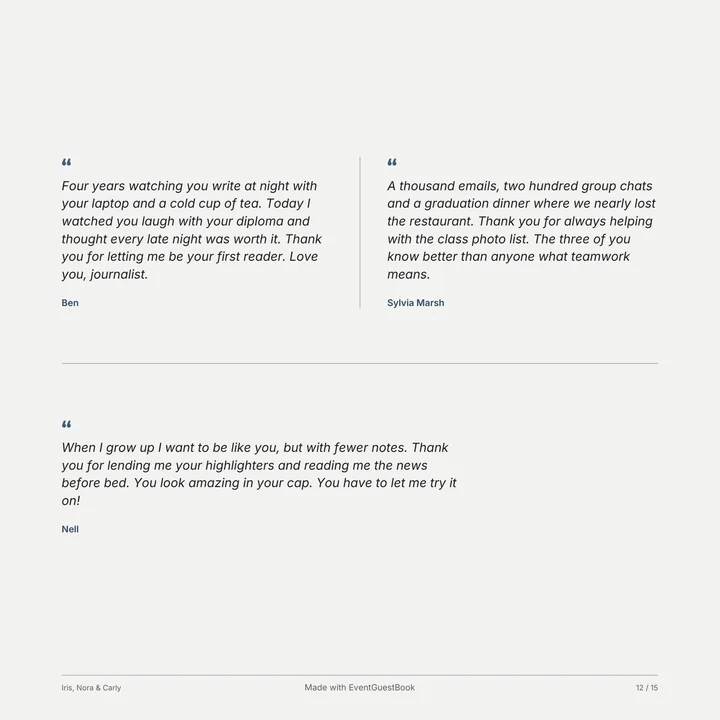
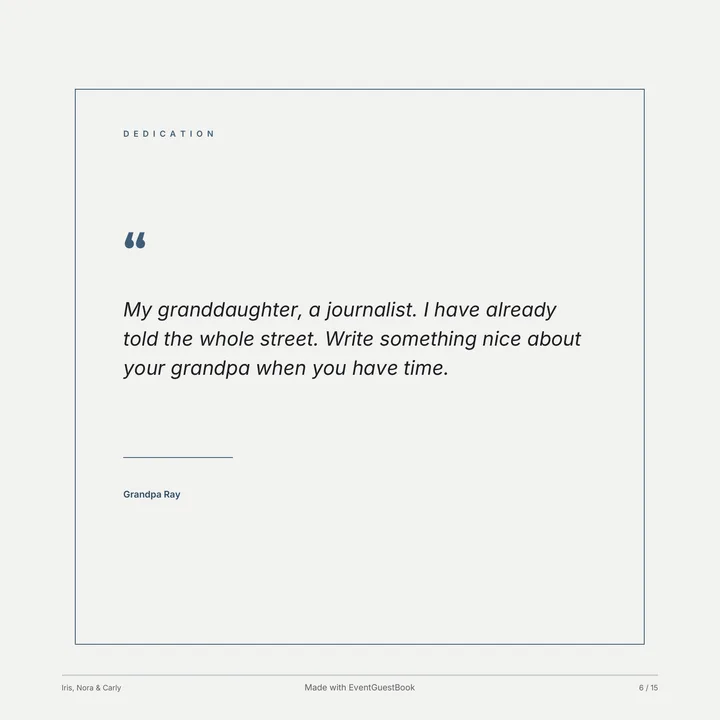
The photos are used only as an example; the names and messages are made up.
Add the name of the class or the graduates and the date. You get a link and a QR code ready to share.
In the ceremony programme, on a screen or in the class group chat. They write from their phone and, if they like, add a photo. Nothing to install.
The messages appear on a screen during the meal or the party, and afterward you download the PDF book with everything they sent.
Nobody gets left out. Send the same link to anyone who could not come to the ceremony, and they write from home.

Everyone can take part
A graduation brings together voices that rarely meet: the class, the teachers and the families. With a link, each one leaves a message when it suits them, before the ceremony or after.
Each photo is saved next to its message, with the name of whoever sent it.
At the celebration
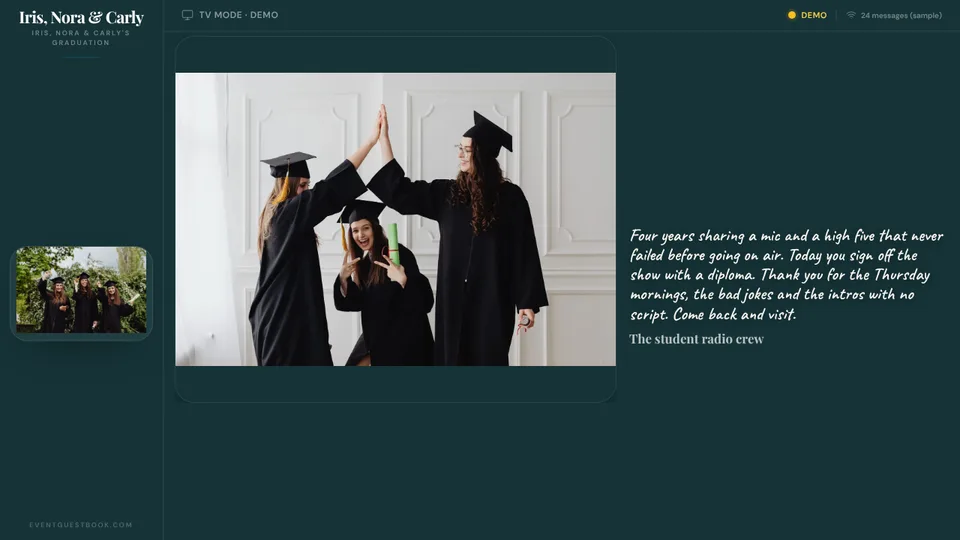
With the live wall, messages and photos appear one after another on a TV, a projector or a laptop. You can hide any message from your phone. It is included in every plan.
See the graduation wall (live example, opens in a new tab)Best on a computer, a TV or a phone held sideways.
Not a sheet that ends up in a drawer: a keepsake of the class you can read again.
Every message and photo typeset, ready to print or give.
The ones everyone uploaded, to download all at once.
For those who could not come, and to read again with family.
The messages on screen while you celebrate.
The digital book opens and can be shared on every plan (complete on Pro and Premium). The PDF book and the photo download come with Pro and Premium. The live wall is in every plan.
| What you get | EventGuestBook | Paper or chat |
|---|---|---|
| People who missed the ceremony can sign too | ||
| Every photo next to its message | ||
| Nothing gets buried under other messages | ||
| A book to print and keep |
Pricing
Free
Free · No card needed
Try it with up to 5 messages, no card needed.
Recommended
€49.95
One-time payment per event · No subscription
Everything you need to collect and keep every message.
The PDF carries a discreet “Made with EventGuestBook” watermark.
Choose Pro€99.95
One-time payment per event · No subscription
Everything in Pro, plus videos from your guests, page reordering, a PDF with no watermark and a PPTX for PowerPoint or Canva.

Create the event today, share the QR code at the ceremony and afterward you will have a book full of everything that did not fit in any speech.