What happens to the guest book after the wedding: reading, downloading and keeping it

Nobody reads anything on the wedding day. People sign, upload a photo and go back to dancing. The messages really get read the next day, or when you are back from the honeymoon and finally sit down in peace.
That is when the practical questions show up: where everything is, who can see it, what you can download and how to keep it safe for the next ten years. This guide answers them one by one.
1. Review what you received
Everything your guests left is in the event dashboard. From there you can see each entry with the guest's name, their message and, if they added one, their photo or voice note.
This is the moment to go through it calmly:
- read the messages in order, without rushing;
- look at the photos guests uploaded, which almost never match the photographer's;
- listen to the voice notes, if you turned that option on for your wedding.
It is worth doing twice. The first read is a quick pass. The second, once the emotional hangover of the day has worn off, is when you really enjoy it.
2. Come back to it whenever you like
The book is not a one-time thing. It stays there for you to return to: an anniversary, a slow afternoon, the day someone asks what they wrote back then. And when it is time to celebrate a silver or golden anniversary, there are ideas for making another one in a guest book for a wedding anniversary.
That rereading is the main reason a digital book beats a notebook stored in a closet. The notebook gets opened twice. The book opens from your phone at any time.
3. Share the book with your guests
Many people write their message and then want to read everyone else's. With the Pro and Premium plans, you can publish the book with its own link so guests can see it.
Guests tend to love it: those who could not come get a sense of what the wedding was like, and those who came discover what the others wrote. There is no private mode: anyone with the QR code or the signing link can open the book. If there is something you do not want seen, hide it from the dashboard.
4. Download the book as a PDF
The PDF is the most direct way to have the book outside the platform. It brings together the messages, laid out, with their photos, in a file you can:
- save on your computer or hard drive;
- email to family;
- take to a print shop if you want a paper copy.
It is the copy you should always have, even if you never plan to print it.
5. Export a PPTX if you want to show or edit it
Besides the PDF there is a PPTX export, included in the Premium plan. It makes sense in two specific cases: if you want to show the messages at a later gathering (a family lunch, an anniversary) or if you need to edit the layout before sharing it.
Because it is a presentation format, it opens in PowerPoint on any computer and lets you reorder or remove slides without touching the original book.
6. Save the photos as a ZIP
The photos your guests uploaded can be downloaded together in a single ZIP file, instead of saving them one at a time.
It is worth being precise here, because this causes a lot of confusion: the photo download is available for a 90-day window from the event date. It is a download window, not a deletion of the book or an expiration date for the messages.
In practice: download the ZIP without leaving it to the last minute and store it wherever you keep the rest of your memories. If you are also sorting out the photographer's photos and the ones from the group chats, you will find what to do with your wedding photos afterward useful.
7. What you get on each plan
Not every option is available on every plan. The main difference is between trying the tool and running the full event: the free plan lets you see it working with a limited number of messages, and Pro is the plan for a real wedding, with unlimited messages plus the export and sharing options.
It is worth deciding before the wedding: you can switch to Pro afterward, but on Demo any messages sent once the book is full (more than 5) are not saved and do not come back when you upgrade. It is all laid out on the pricing page.
8. How to really keep it
A digital keepsake gets lost through neglect, not by accident. Three simple habits prevent almost every scare:
- Download the PDF and the ZIP as soon as all the entries are in.
- Keep a copy in two places: your computer and an external drive or your usual cloud storage.
- Name the folder with the date, something like
wedding-2026-09-05, so you can find it years from now.
If you also want something physical, the PDF is the starting point for printing a copy and giving it to your parents.
Before the wedding, not after
Some things are worth deciding beforehand: whether there will be voice notes and which plan you are on. The plan can change later, but messages that did not fit within the Demo limit do not come back.
If you are still at that stage, the full process is explained in how it works and in what a digital wedding guest book is.
And if you already know what you want, the next step is choosing a plan.
You can also create your event and set everything up with time to spare.
Related articles

How to print your digital guest book: from PDF to paper, step by step
You have the PDF of the book and you want it on paper. Page size, what to ask the print shop, what to check before printing and how to edit the book first if you need to.
6 min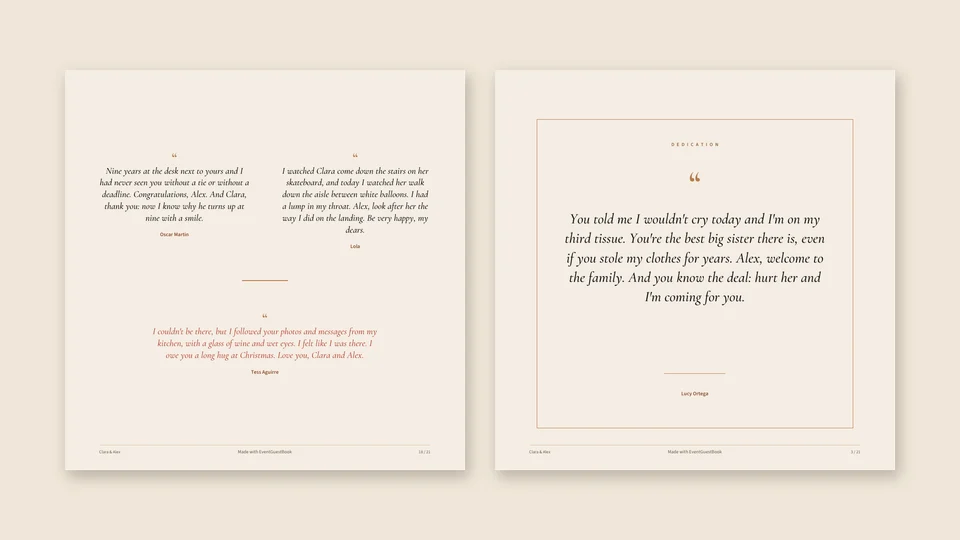
Guest book in Canva or PowerPoint: how to edit your EventGuestBook file
The editable PPTX is a Premium feature and it is not a native Canva project. How to download it, open it in PowerPoint or import it into Canva, and what may change.
7 min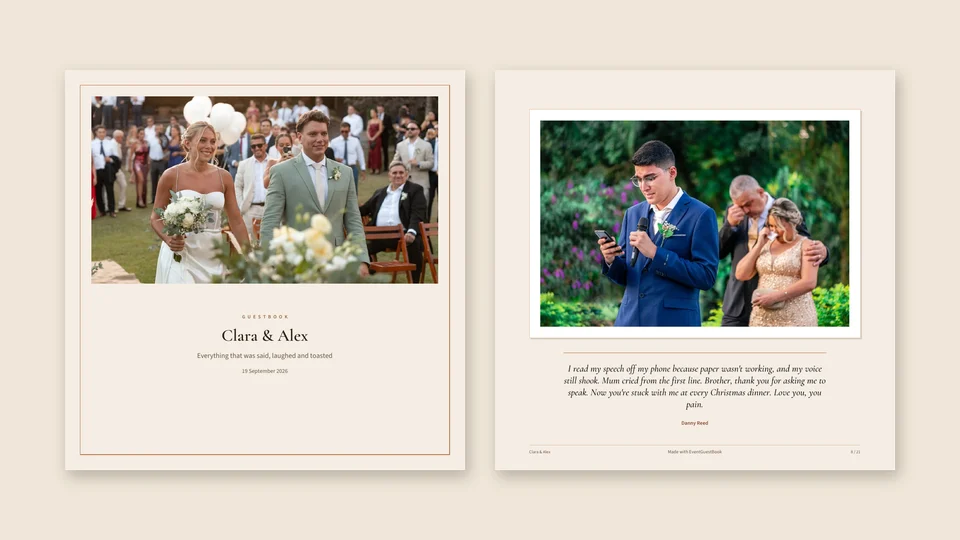
Free digital guest book: what it includes and when Pro is worth it
The free plan is a real trial, but it has a clear cap. What Demo includes, what changes with Pro and how to decide before you hand out the QR code.
6 min