First Communion photos: how to collect the whole family's without chasing anyone
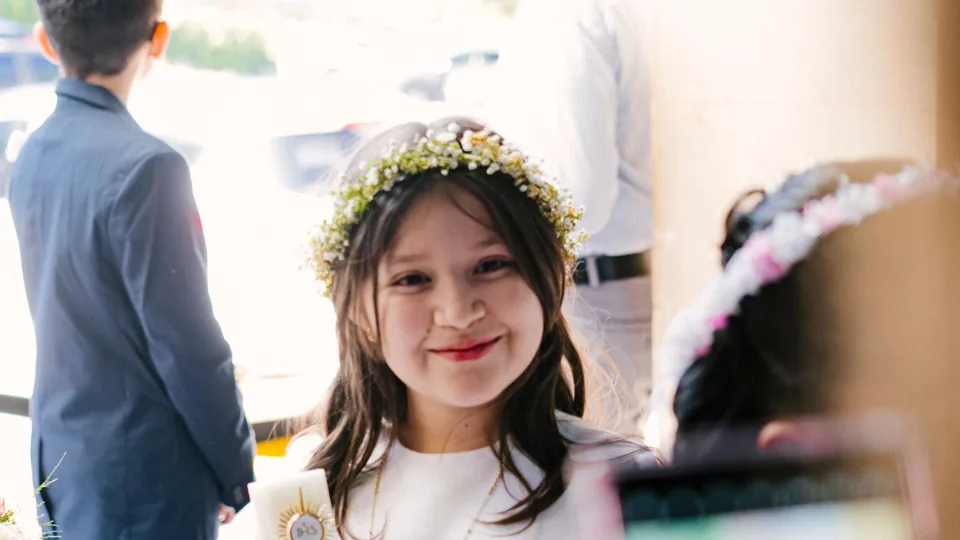
Two things are guaranteed at a First Communion: someone will cry during the ceremony, and forty people will be taking photos at once.
The problem comes afterward. Because those forty people include your aunt, who takes lovely photos and keeps them on a phone they will never leave.
And Grandma, who wants to send them to you but does not know how.
Let's get all those First Communion photos into one place without turning the following week into a family tech-support course.
A First Communion seen from forty phones
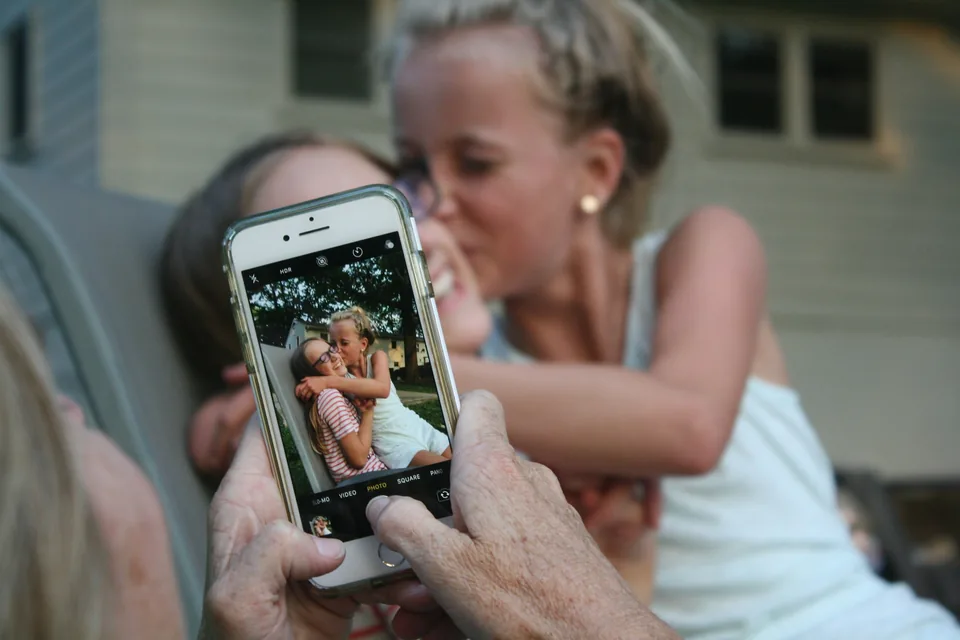
The photographer handles the important set: portraits, family and the main moments. Nobody should block the aisle with a phone.
But there are cousins playing, grandparents catching up, gifts being opened in a corner and a kids' table where things happen that no adult will ever understand.
Every family looks somewhere different.
Your sister photographs the child with the cousins. Your father notices the church. A friend takes the loveliest picture of Grandma because she was sitting across from her. The kids shoot the cake from a height that makes it look like a building.
The result is a puzzle. It is worth putting together, because a First Communion is also that very long lunch where the whole family is in one place again.
Why so many First Communion photos get lost
Even more than at a wedding, I would say. At a First Communion, the organizing is spread across family conversations.
Some photos reach the siblings' group. Others the school parents' chat. The grandparents' stay on the phone, and the godmother's show up four months later.
There are four very recognizable causes:
1. Too many small chats
The family lives in twelve groups with similar names. Asking "send the photos here" leaves someone out and produces duplicates.
2. Older relatives who are willing but have no clear path
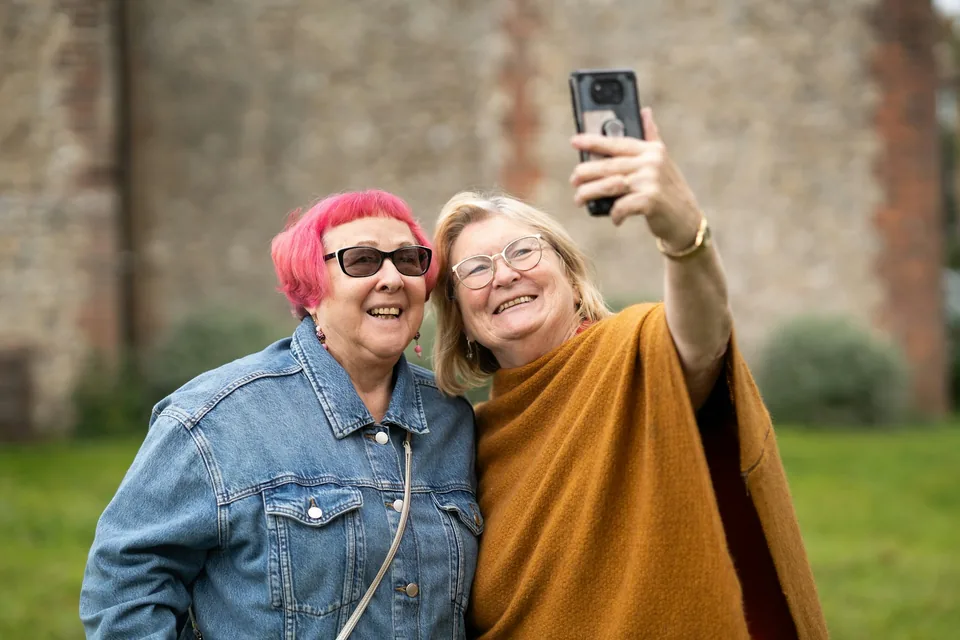
Grandma knows how to take the photo. The trouble starts when there are twenty: she has to select, confirm and work out whether the upload has finished.
She does not need to learn how to manage a shared folder. She needs to tap a link, choose a picture and send it.
3. Parents who are busy that very day
You are making sure your child eats something, greeting everyone and tracking down a jacket that vanishes every fifteen minutes. You cannot go from table to table accepting photos.
If the system needs you to step in during the celebration, the system fails.
4. The false comfort of "I'll send them later"
It is not a lie. In that moment the person fully intends to. Then they get home, get ready for Monday, and the pictures slide several places down the list.
The best time to collect them is while the family is still there, or the next day, with a direct link and nothing extra to look for.
The solution Grandma can use too
A QR code leads to the digital First Communion guest book. The person opens the camera, points it at the code and taps the prompt that appears. The page opens in the browser.
From there they can write a message and add a photo. No app to download and no account to create. The platform optimizes the image on upload and saves it inside the event, next to the words of the person who sent it.
Will every grandmother in the world manage it the first time? No. But the path is short, and someone can sit with her without needing passwords or permission settings.
Run a test before the day:
- Create the event.
- Open the QR code on a phone that is not yours.
- Ask an older person to leave a line and choose a photo.
- Give no instructions for the first few seconds.
- Watch where they hesitate and adjust the wording on the sign.
Maybe the button is perfectly clear and what is missing is an explanation of what the QR code is for. Put it in writing: "Scan to leave us a photo and a few words."
Where to put the QR code that day
A First Communion usually has fewer spaces and more movement than a wedding. Choose well.
At the entrance to the celebration
A welcome sign introduces the idea. Not everyone will take part on arrival, but it works as a first notice.
One on each adult table
After the meal, the family has time, phones at hand and fresh photos. One card per table is enough.
Avoid a tiny code, glare, and letting it disappear behind bottles or flowers.
On the kids' table, with supervision
With an adult's help, the children can pick a group photo and write a message together.
Next to the cake or the dessert table
Everyone passes by and lots of photos get taken there. Place it to one side, where it does not compete with the decorations or make people hold their phones over the food.
Beside the paper book
If you have set out a traditional book, you do not have to choose. Put the QR code next to it. Those who want to write by hand do. Those who have a photo, or would rather leave their message later, can go to the digital one.
This combination works especially well with older guests: paper feels familiar, and a relative can help them add the picture at the same time.
What to ask for so the photos tell the day
"Upload your photos" can end in twenty identical portraits. Give small prompts:
- A photo of the child with someone from another generation.
- The funniest moment at your table.
- A detail of the outfit that you liked.
- A picture of the cousins playing.
- Grandma, Grandpa or the godparents lingering after the meal.
- Something you think the parents did not see.
I would add a challenge: "Take a photo they will like seeing when they are twenty." Suddenly Grandma's hands matter, and a friend's hug, and the whole table.
Spread the missions across tables for variety. Ask the school families for a photo of the group of friends. The grandparents, one of the generations together. The older cousins, the end of the party.
A message for the next day
The printed QR code catches the impulse of the moment. The link sent afterward recovers what was left pending.
You can send something like this:
Thank you for being with us yesterday. We would love to keep the First Communion as seen from your table. If you took a nice photo, you can leave it here with a message for [name].
Send it to the groups that already exist and, if you know someone is in none of them, privately. Do not start a new group with the entire family just for this: sharing other people's phone numbers adds a problem you do not need.
Send one reminder only. Those who do not respond are not short on affection. Maybe they took no photos, or it simply slipped their mind. The goal is to make it easy, not to keep a homework list.
The messages: the part that grows with the years
A photo already says who was there. The message adds what does not show.
An aunt can recall the baptism. The godfather can leave a piece of advice. A cousin can explain why everyone was laughing. School friends can sign together.
If you do not know what to suggest, try these questions:
- What do you like most about [name]?
- What memory do you share?
- What wish do you want to leave for when they are older?
- What was happening in the photo you uploaded?
- What was your favorite moment of the day?
In this collection of First Communion guest book messages you will find examples for anyone who goes blank. There are also more ideas for combining paper and a QR code in this guide to the First Communion guest book.
The nice part is that photo and text stay together. Years from now, the child may not remember who each classmate was or why the family was laughing. The words will be the thread.
What to do with the photos afterward
Do not wait until the end of summer to download and sort them.
First, go through the entries. Messages and photos appear as soon as they are sent, and you can hide any you would rather not show. If you are going to share the result outside the family, take special care with photos of minors and ask permission.
Then make three groups:
-
The complete keepsake. Every picture you want to keep.
-
The family selection. Fifty or sixty to share with grandparents, aunts, uncles and godparents.
-
The printed ones. Fifteen or twenty for a small album, a box or several copies to give away.
On the Pro plan you can download the photo ZIP and the book as a PDF, and you get the complete digital book to share. The photo download is available for up to 90 days after the First Communion, so do it soon and keep copies in two places.
On the Premium plan you can also download an editable PPTX to open in PowerPoint or import into Canva. You do not get a native Canva project. If you are going to print, run a test first to check the optimized photos and the cropping.
A gift idea: print a different photo for each grandparent and write on the back the message they left that day. It costs little and stands a very good chance of living on a dresser for years.
What it costs to try it
Demo allows up to 5 messages and 5 photos of your own per event. Voice notes and TV mode are available on every plan, in case you want to try them, though to collect everyone's contributions at a First Communion you will probably need more room.
The Pro plan costs €49.95 per event, in a single payment. It includes unlimited messages and photos, the Pro downloads and the complete digital book. Premium (€99.95) adds the editable PPTX, page reordering and the option to remove the watermark. You can compare the details on the pricing page.
My advice is very simple: try it with the family before paying. If Grandma gets in, leaves her line and uploads a photo with little help, you have the best possible proof.
Frequently asked questions
How can I gather the whole family's First Communion photos?
Create one single space reachable by QR code and link. Put the code on the tables and send the link the next day so each person can add their photo and message.
Do grandparents need to install an app?
No. They can get in from their phone's browser. Run a test beforehand and keep the direct link as an alternative if the QR code is hard for them.
Where do I put the QR code at a First Communion?
At the entrance to the celebration, on the adult tables, beside the paper book and near the dessert table. Skip the ceremony itself and any spot with poor light or glare.
Can relatives who did not attend take part?
Yes. Send them the link so they can leave a message and a photo from home.
Do the photos arrive exactly as they are on the phone?
The platform optimizes them on upload. It is designed to gather and present memories with their messages, not to store unprocessed files.
Can I review the photos before showing them?
Review happens after they are posted. From the event dashboard you can hide the entries you do not want to show.
Which options are Pro only?
The photo ZIP, the book as a PDF and the complete digital book are Pro features. The editable PPTX is Premium. The photo download stays available for up to 90 days after the event.
What does Demo include?
Up to 5 messages and 5 photos of your own per event. Voice notes and TV mode are available too, so you can try the experience.
Get your aunt's photo off her phone
The family will take the photos anyway. Your job is to leave a short path for them to arrive, and one line that reminds people why sharing them is worth it.
You can create the First Communion book for free, try it with three generations and decide afterward. If it works at that table after lunch, it will work on the big day.
Related articles
Baptism guest book messages: 30 examples and how to write your own
Lines for parents, godparents, grandparents and friends, and a three-step formula so your message does not sound like a greeting card. Written to be read when the child is older.
7 min
Baby shower guest book: messages, advice and predictions for the parents-to-be
A baby shower is the last party before the baby arrives. How to turn the guests' messages, advice and guesses into a book the parents will read in peace, and one day the child will too.
8 min
A guest book for a wedding anniversary: messages and photos from the people who were there
A silver or golden anniversary brings together people who were at the original wedding and people who came along later. How to collect their messages and old photos in one book.
8 min